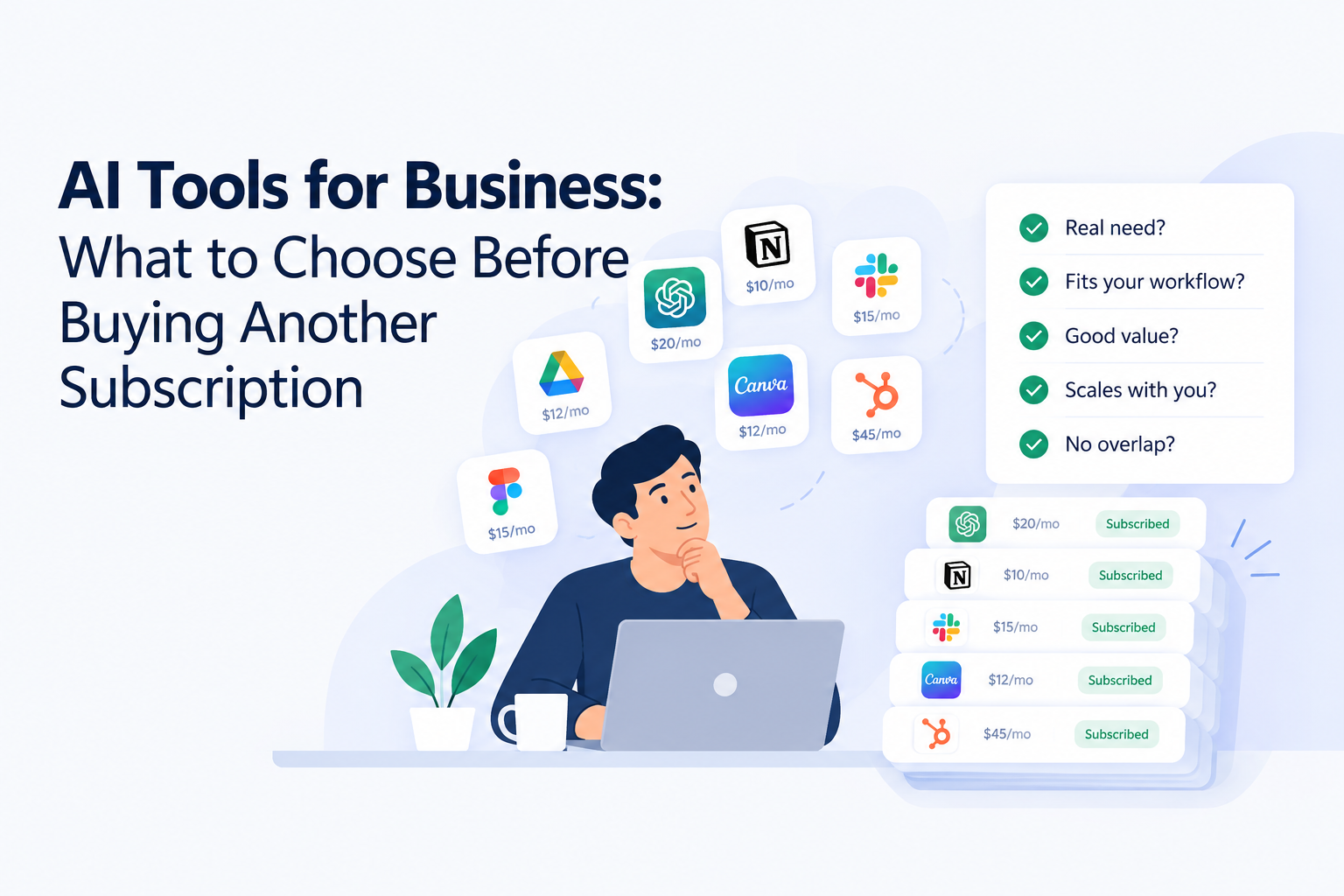
The best AI tools for business are the ones that remove one specific, repeated task from your week and can prove it in 30 days. Pick one job to fix, test with real work, check how the tool handles your data, and set a review date before you commit to a yearly plan. Use the audit, quiz, and checklist in this guide to do exactly that.
What counts as AI tools for business?
AI tools for business are software products that use machine learning, usually large language models, to draft, analyze, classify, or automate work that people used to do by hand. That definition is broad on purpose. A meeting notes assistant, a sales research tool, and a bookkeeping categorizer all qualify, even though they look nothing alike.
It helps to sort them into four groups, because each group solves a different kind of problem:
- Writing and communication: drafting emails, proposals, support replies, and meeting summaries.
- Sales and marketing: prospect research, content creation, ad variations, and lead scoring.
- Operations and automation: moving data between apps, routing requests, and handling repetitive back office steps.
- Analytics and research: summarizing documents, spotting patterns in numbers, and answering questions about your own data.
Most overspending happens when a team buys from all four groups at once without knowing which one actually matches its bottleneck.
Why most teams overspend on AI subscriptions
The pattern is familiar. Someone sees a demo, signs up for a monthly plan, and tells two colleagues. Three months later nobody remembers who owns the account, and the card keeps getting charged. Individually the amounts feel small. Together they become a real line item that no one reviews.
There are three common causes. First, tools overlap: two or three products can draft the same email. Second, adoption is uneven, so one enthusiastic person gets value while the rest of the team never logs in. Third, nobody defined success before buying, so there is no moment when a tool is judged and either kept or cancelled.
The fix is not to avoid AI. It is to treat every subscription like a small hire: give it a job, measure the result, and review it on a schedule.
Interactive: audit your AI subscriptions in two minutes
Subscription audit calculator
Enter each tool you pay for, its monthly cost, and how many times per week your team really uses it. Tools used fewer than three times a week get flagged for review.
Add another tool Run audit
How to choose AI tools for business: a five step test
If you only remember one section of this guide, make it this one. Run every candidate tool through the same five steps and the decision gets much easier.
1. Define the task in one sentence
“Reduce the time we spend writing first drafts of client proposals” is a task. “Use AI to be more efficient” is not. A narrow task tells you what to test and when the tool has failed.
2. Measure the current cost in hours
Write down how long the task takes today and how often it happens. A task that costs two hours a month is rarely worth a new subscription. A task that costs two hours a day almost always is.
3. Test with real work, not the demo
Take three real examples from last month and run them through the tool. Compare the output with what a skilled person produced. Note how much editing was needed, because editing time is the hidden cost of most AI tools.
4. Check data handling and integrations
Ask where your data is stored, whether it is used to train models, and who at your company can access it. Then confirm the tool connects to the apps you already use. A great tool that sits outside your workflow tends to be abandoned within weeks.
5. Set a review date before you pay
Choose a date 30 to 60 days out and write down what “working” means, such as hours saved or response time reduced. Prefer monthly billing until the tool earns an annual plan.
Best AI tools for business by job to be done
Rather than ranking brands that change every quarter, this table matches the best AI tools for business to the job you need done. Use it to decide which category to shop in, then compare two or three products inside it.
| Job to be done | Tool category | Choose it when |
| Draft and edit faster | General writing assistant | Your team writes a lot of emails, proposals, or documents |
| Capture meetings | Meeting notes and summary tool | Follow ups slip because nobody writes things down |
| Find and research prospects | Sales research assistant | Reps spend hours on manual research before outreach |
| Connect apps and move data | Workflow automation platform | The same copy and paste steps repeat every day |
| Understand your numbers | Analytics and reporting assistant | Reports take days and decisions wait on them |
| Answer customers | Support chat and ticket triage | Repeat questions fill your inbox |
AI tools for small business owners: where to start
Small business owners have the least slack, so the cost of a wrong purchase is higher. A sensible starting stack has three pieces: one general assistant for writing and research, one meeting notes tool, and one automation tool aimed at your biggest time sink, usually follow ups, invoicing, or lead intake.
Resist the urge to add a fourth tool until the first three have each saved measurable time for a full month. Free tiers are a good way to test, but check the limits. Many free plans cap usage in ways that only show up once you rely on them.
AI tools for business productivity: where the gains are real
The strongest productivity gains tend to come from tasks that are frequent, text heavy, and easy to check. First drafts, summaries, data cleanup, and research are good examples. The weakest gains come from tasks that are rare, high stakes, or hard to verify, like legal commitments or final financial figures.
A useful rule: let AI produce the first version, and keep a person responsible for the final one. That keeps quality high and builds the trust your customers expect. It also keeps your team honest about whether a tool is helping or just creating more review work.
Watch for the “busy but not faster” trap. If a tool generates more output but your team now spends the saved time checking and rewriting it, the net gain is small. Track end to end time for the task, not just the time the tool takes to respond.
Interactive: which AI category should you buy first?
Three question fit quiz
- Where does your team lose the most time?
Writing emails, documents, and proposals
Researching prospects and doing outreach
Repeating the same steps between apps
Building reports and reading numbers
- What does a good result look like?
Faster, cleaner first drafts
More qualified conversations booked
Fewer manual handoffs
Quicker, clearer decisions
- Who will use it every week?
Everyone on the team
Sales and marketing
Operations or an admin
Leadership and finance
Interactive: your pre purchase checklist
Check every box before you add a card
I can describe the task this tool will do in one sentence.
I know how many hours that task costs us each month.
I tested it on three real examples, not a demo.
I know where our data is stored and whether it trains models.
It connects to the apps we already use.
One named person owns the account and the results.
A review date is in the calendar and monthly billing is selected.
0 of 7 complete
Frequently asked questions
What are the best AI tools for business?
The best AI tools for business are the ones that remove a specific, repeated task from your week. Start with one category, run a 30 day trial against a measurable goal, and keep only what gets used.
What AI tools should small business owners start with?
Most small business owners do well with a general writing and research assistant, a meeting notes tool, and one automation tool tied to their biggest time sink.
How do you choose AI tools for business?
Define the task, measure its current cost in hours, test with real work, check data handling and integrations, and set a review date before paying for a full year.
Are free AI tools for business good enough?
Free plans are great for testing. Check usage limits and data terms, because the limits that matter often appear only after your team depends on the tool.
Final thoughts
Choosing AI tools for business does not require a bigger budget. It requires a smaller scope. Pick one job, test with real work, measure the result, and review on a schedule. Teams that do this end up with fewer subscriptions and better results than teams that collect tools.